
 10 months ago
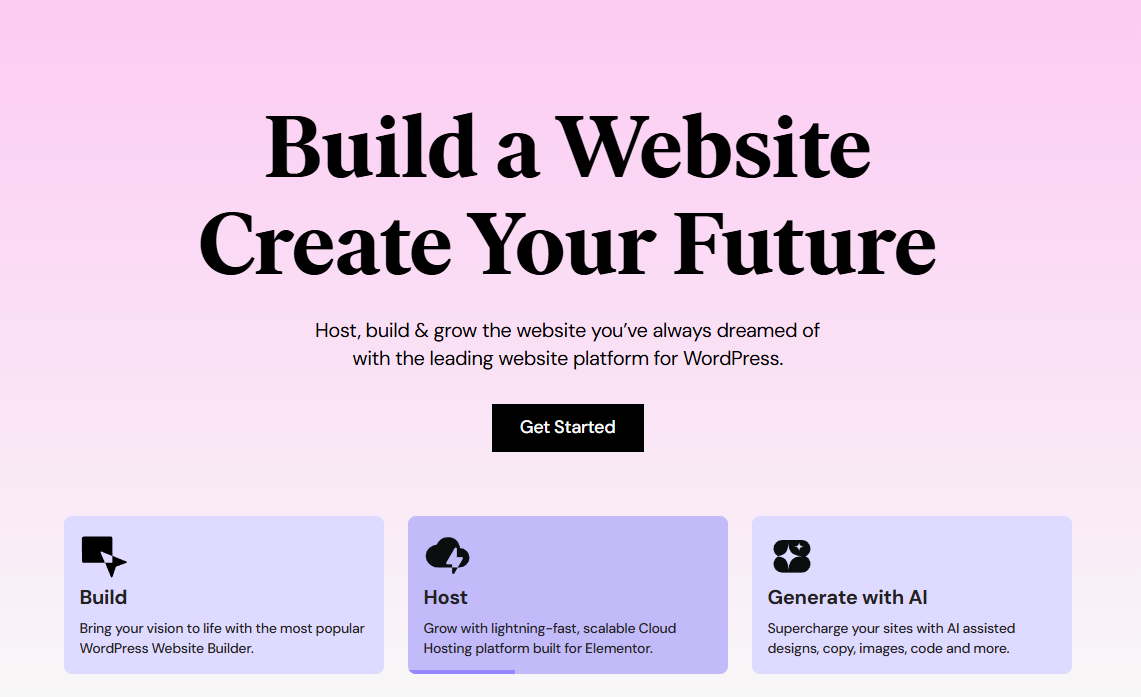
# Elementor: The Ultimate WordPress Site Builder for Beginners and Professionals
If you've ever felt overwhelmed by the prospect of building a website from scratch, you're not alone. The world of web development can seem intimidating, especially when you're starting with zero experience. However, Elementor has revolutionized WordPress website creation by making it accessible to everyone, regardless of technical background.
## What is Elementor?
Elementor is the leading site builder for WordPress websites, and for good reason. This powerful, free WordPress plugin transforms the traditional website building process into an intuitive, visual experience. Instead of wrestling with complex code or struggling with confusing interfaces, Elementor provides a drag-and-drop page builder that lets you see your changes in real-time.
Think of Elementor as your digital construction toolkit. Just as a carpenter uses various tools to build a house, Elementor provides you with widgets, templates, and design elements to construct your website visually. The beauty lies in its simplicity – what once required hours of coding can now be accomplished in minutes through simple drag-and-drop actions.
## Why Elementor Stands Out
### Visual Design Freedom
The most significant advantage of Elementor is its visual approach to website building. Unlike traditional WordPress themes that limit your design options, Elementor gives you complete creative control. You can see exactly how your website will look as you build it, eliminating the guesswork that often frustrates beginners.
The interface is clean and intuitive, with a left sidebar containing all your design elements and a main canvas where you build your pages. This setup feels natural and doesn't overwhelm new users with unnecessary complexity.
### Extensive Widget Library
Elementor comes packed with over 90 widgets that cover virtually every website element you might need. From basic text and image widgets to advanced features like forms, testimonials, and social media feeds, these building blocks allow you to create sophisticated websites without touching a single line of code.
Each widget is highly customizable, offering numerous styling options, animations, and responsive settings. This flexibility ensures that your website can be truly unique while maintaining professional quality.
### Professional Templates
One of Elementor's greatest strengths is its vast template library. Whether you're building a business website, portfolio, blog, or e-commerce store, Elementor provides professionally designed templates that serve as excellent starting points. These templates aren't just pretty pictures – they're fully functional, responsive designs that you can customize to match your brand.
The template library is constantly expanding, with new designs added regularly to keep up with current web design trends. This means you'll always have access to modern, contemporary layouts that make your website look current and professional.
## Getting Started with Elementor
### Installation and Setup
Installing Elementor is straightforward. Simply navigate to your WordPress dashboard, go to Plugins > Add New, search for "Elementor," and install the plugin. Once activated, you'll see Elementor options in your WordPress menu, and you can start building pages immediately.
The initial setup process is user-friendly, with Elementor guiding you through the basic configuration steps. The plugin integrates seamlessly with most WordPress themes, though it works best with themes specifically designed for page builders.
### Your First Page
Creating your first page with Elementor is an exciting experience. When you edit a page with Elementor, you're presented with a blank canvas and a sidebar full of possibilities. The learning curve is gentle – you can start with simple elements like text and images, then gradually explore more advanced features as you become comfortable with the interface.
The drag-and-drop functionality is responsive and intuitive. Simply select a widget from the sidebar, drag it to your desired location on the page, and drop it in place. Elementor automatically handles the technical aspects like responsive design and cross-browser compatibility.
## Advanced Features for Growing Websites
### Responsive Design Made Easy
In today's mobile-first world, having a responsive website isn't optional – it's essential. Elementor excels in this area by providing built-in responsive design tools. You can preview and adjust your website's appearance on desktop, tablet, and mobile devices without leaving the editor.
The responsive controls are granular, allowing you to fine-tune every element for different screen sizes. This ensures your website looks perfect whether visitors are browsing on a smartphone during their commute or on a large desktop monitor at work.
### Performance Optimization
Despite its visual richness, Elementor is built with performance in mind. The plugin generates clean, optimized code and includes features like lazy loading for images and CSS optimization. These technical optimizations happen automatically, so you don't need to worry about the underlying performance while focusing on design.
### Integration Capabilities
Elementor plays well with other WordPress plugins and services. Whether you need to integrate with email marketing platforms, e-commerce solutions, or analytics tools, Elementor provides the flexibility to connect your website with your broader digital ecosystem.
## Elementor Pro: Taking It Further
While the free version of Elementor is incredibly powerful, Elementor Pro unlocks additional features that can take your website to the next level. Pro features include advanced widgets, theme building capabilities, popup builders, and WooCommerce integration for e-commerce websites.
The Pro version also includes premium templates and blocks, giving you access to even more design options. For businesses and serious website builders, the Pro upgrade often pays for itself through time savings and enhanced functionality.
## Common Use Cases
### Business Websites
Elementor excels at creating professional business websites. The combination of business-focused templates, contact forms, testimonial widgets, and service showcases makes it easy to build credible, conversion-focused business sites.
### Portfolio Sites
Creative professionals love Elementor for portfolio creation. The image galleries, animation options, and flexible layouts allow artists, photographers, and designers to showcase their work in compelling ways.
### Blogs and Content Sites
While WordPress is naturally suited for blogging, Elementor enhances the content creation experience by providing beautiful post layouts, author boxes, and related post widgets that make content more engaging.
## Learning Resources and Community
Elementor has cultivated a massive community of users and developers. The official Elementor Academy provides comprehensive tutorials, while YouTube channels and blogs offer countless tips and tricks. This community support means you're never alone in your website building journey.
The documentation is thorough and beginner-friendly, with step-by-step guides for every feature. Whether you prefer video tutorials or written guides, you'll find learning resources that match your preferred learning style.
## Conclusion
Elementor has democratized website creation by making professional web design accessible to everyone. Whether you're a complete beginner taking your first steps into website building or an experienced developer looking for efficiency, Elementor provides the tools and flexibility you need.
The combination of visual design freedom, extensive features, and strong community support makes Elementor the leading choice for WordPress site building. By removing technical barriers while maintaining professional capabilities, Elementor empowers anyone to create stunning, functional websites that serve their goals and engage their audiences effectively.
Starting your website building journey with Elementor means choosing a platform that grows with you – from your first simple page to complex, feature-rich websites that drive real business results.
elementor.com

 English (US) ·
  Indonesian (ID) ·